The CAD
Lots of CAD – lots of power – little effort
With RED CAD, you get a professional tool for creating installation plans and diagrams on your Windows PC. RED CAD can process the most common file formats, including DWG/DXF/PDF. You can import and re-export plans in these formats. RED CAD already includes symbol libraries so you can get started right away.
Additionally, you can also create and use your own symbols. With a clear legend and a professional header, your plan will be presented neatly. You can also output a parts list, which can help you when preparing quotations. Various grids and project management tools help you plan and organise your projects. RED CAD Support will be happy to assist you with any questions you may have about using RED CAD.
Scope of services
- PDF, DWG & DXF In/Out
- Extensive symbol libraries
- Automatic dimensioning
- Professional layer control
- Parts list
- Project management
- Custom symbols
- Free & personal support
- Updates


CAD for electrical engineering
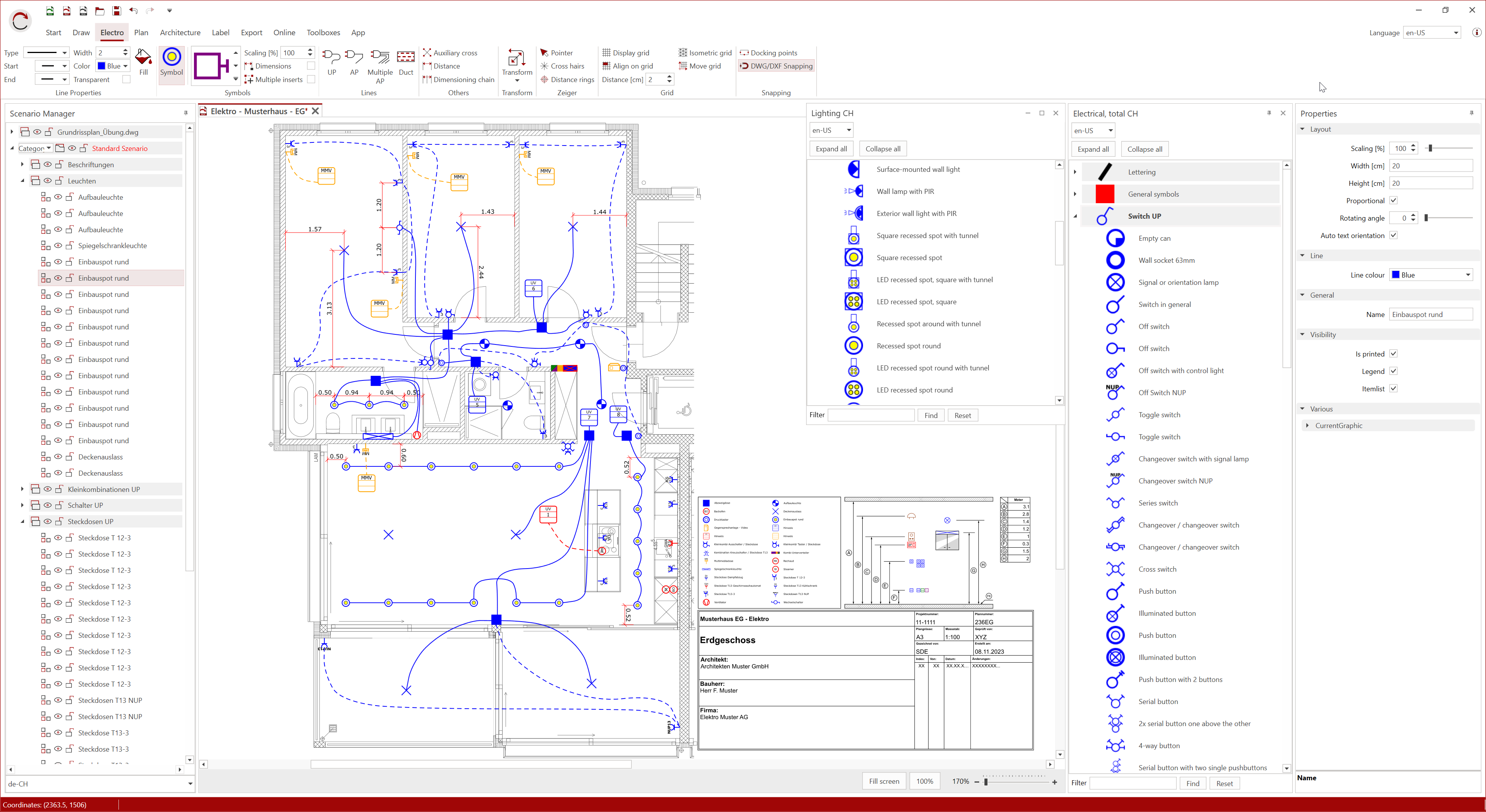
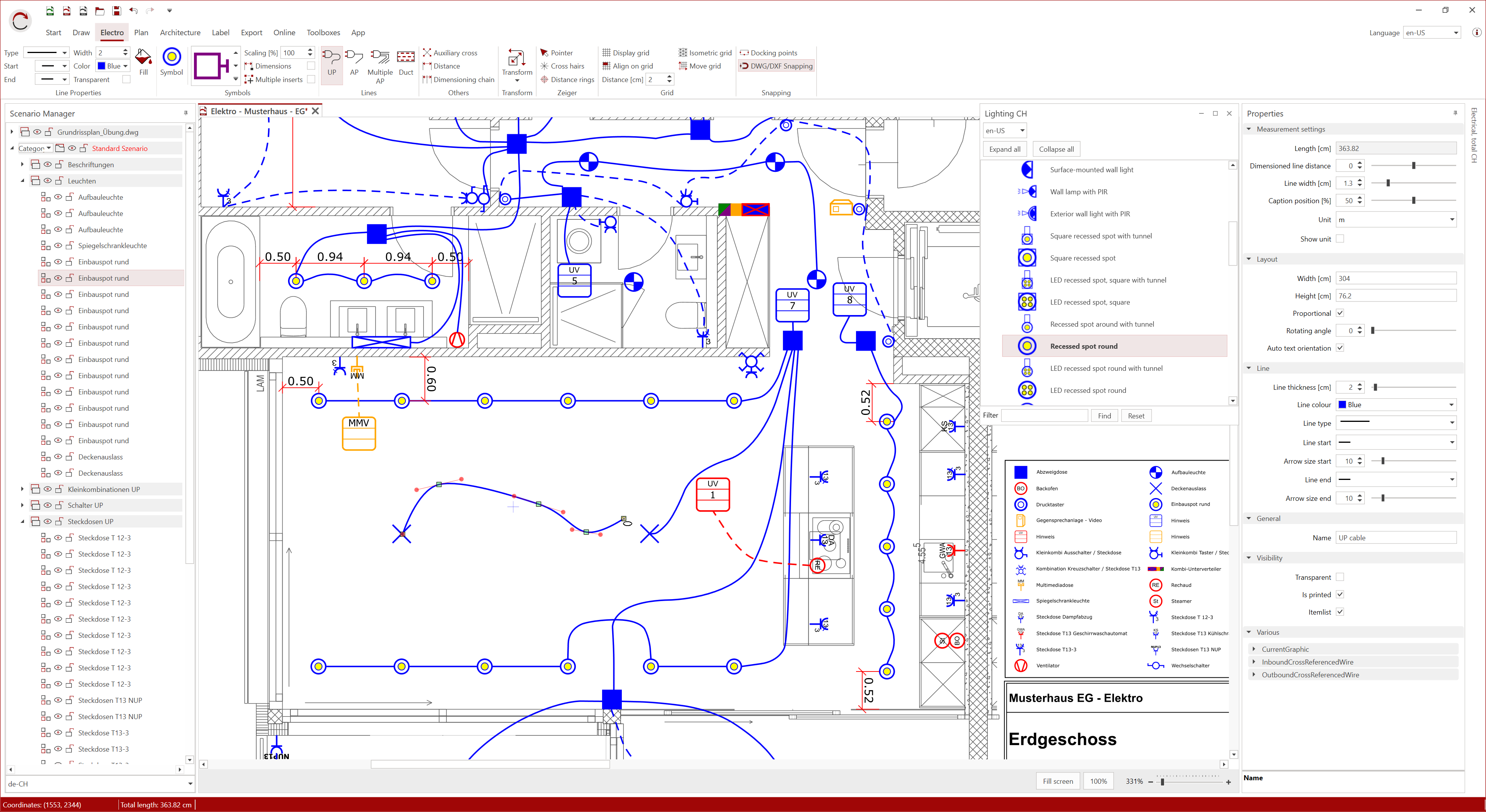
RED CAD Electrical offers you all the functions you need for professional CAD planning:
An extensive symbol library with immediate access to numerous symbols, many industry-specific and practical functions, and user-friendly layer control with flexible settings.
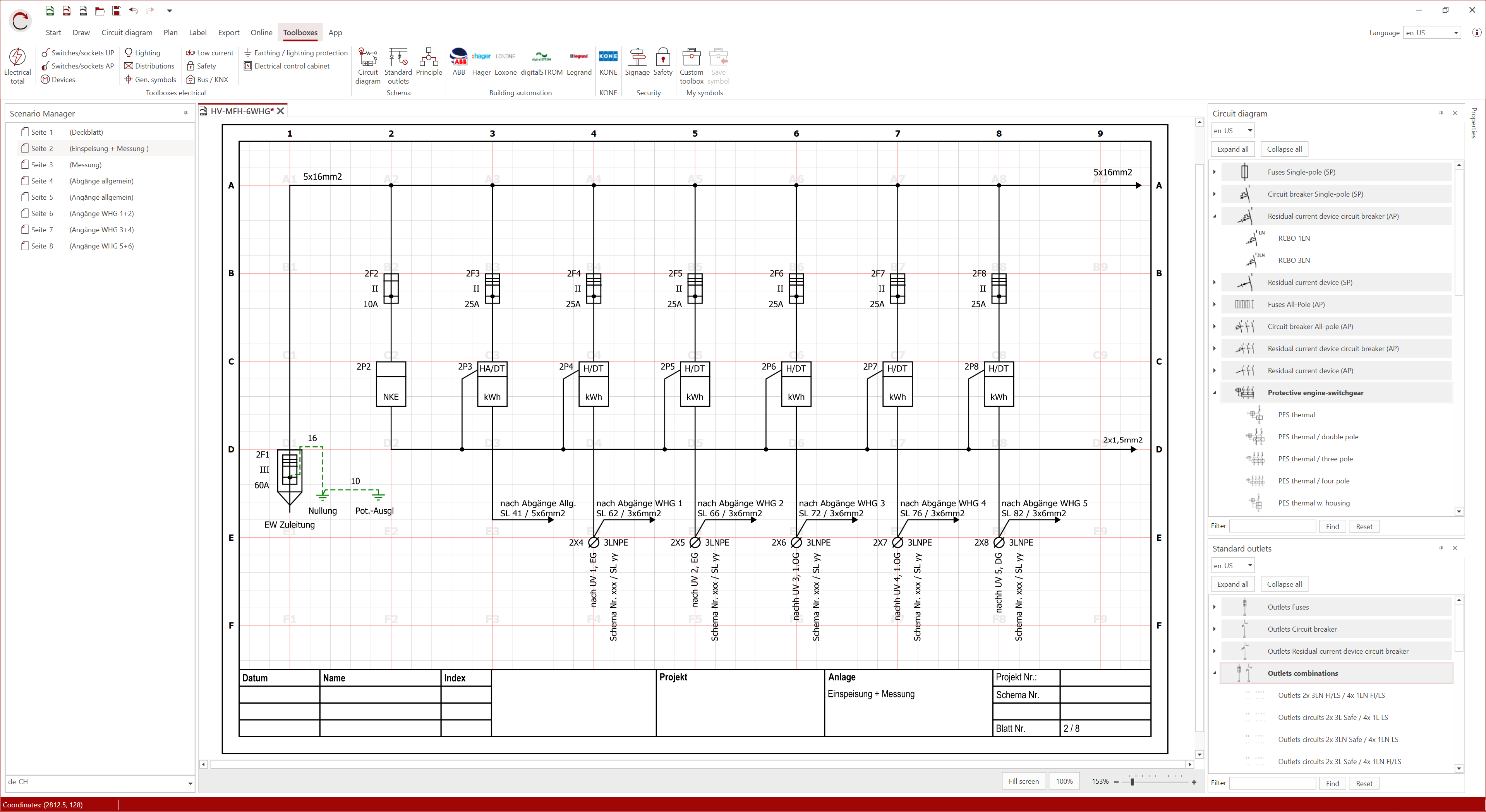
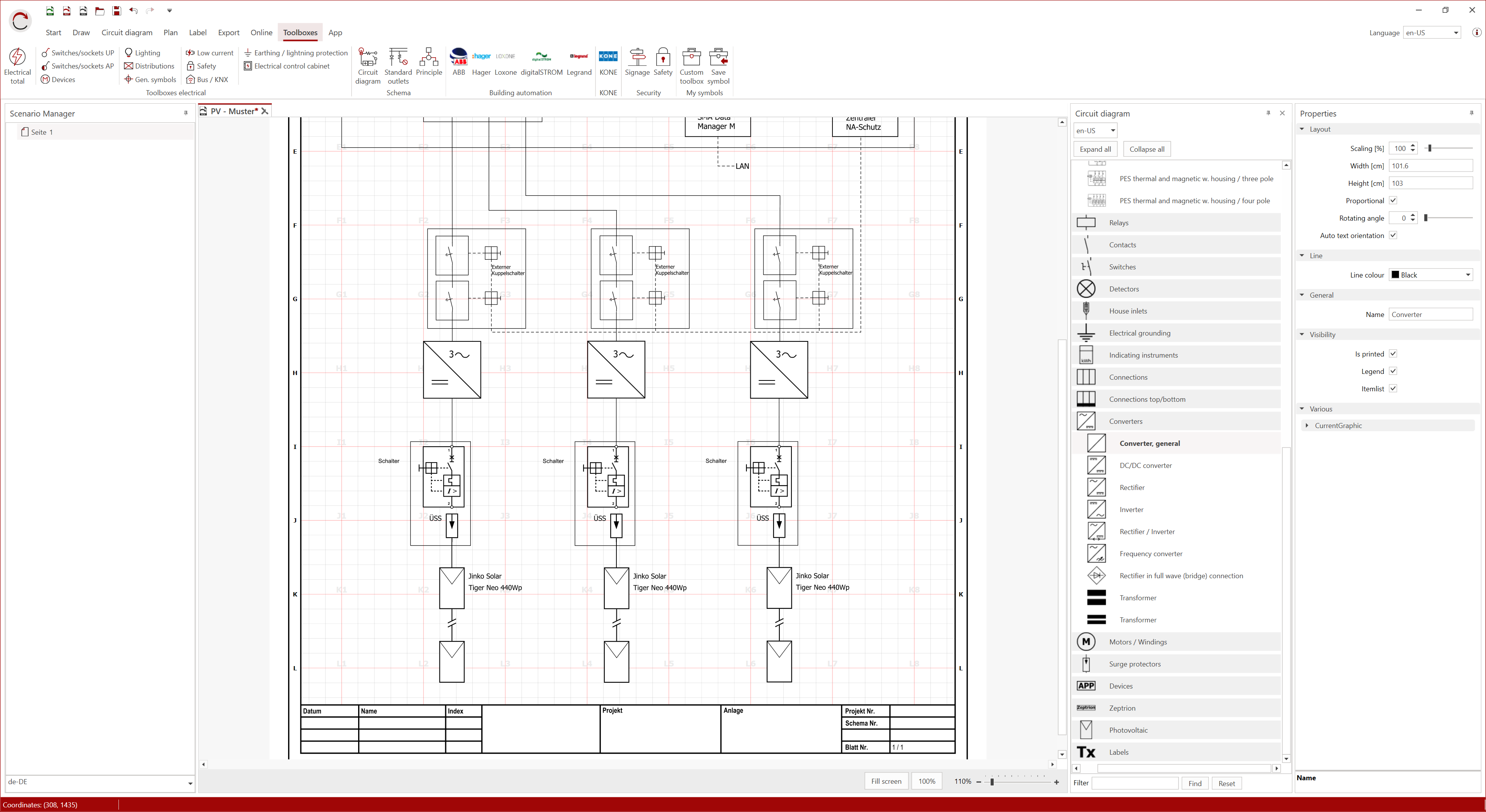
You can display both single-pole and multi-pole diagrams. Unlimited page numbers, the ability to import and customise existing PDF diagrams, and cross-references support you in creating simple circuit diagrams.
Header, room stamps, customisable legends, and the export of parts lists round off your project documentation. Plan efficiently, innovatively, and enjoyably right from the start.
CAD for plumbing/heating
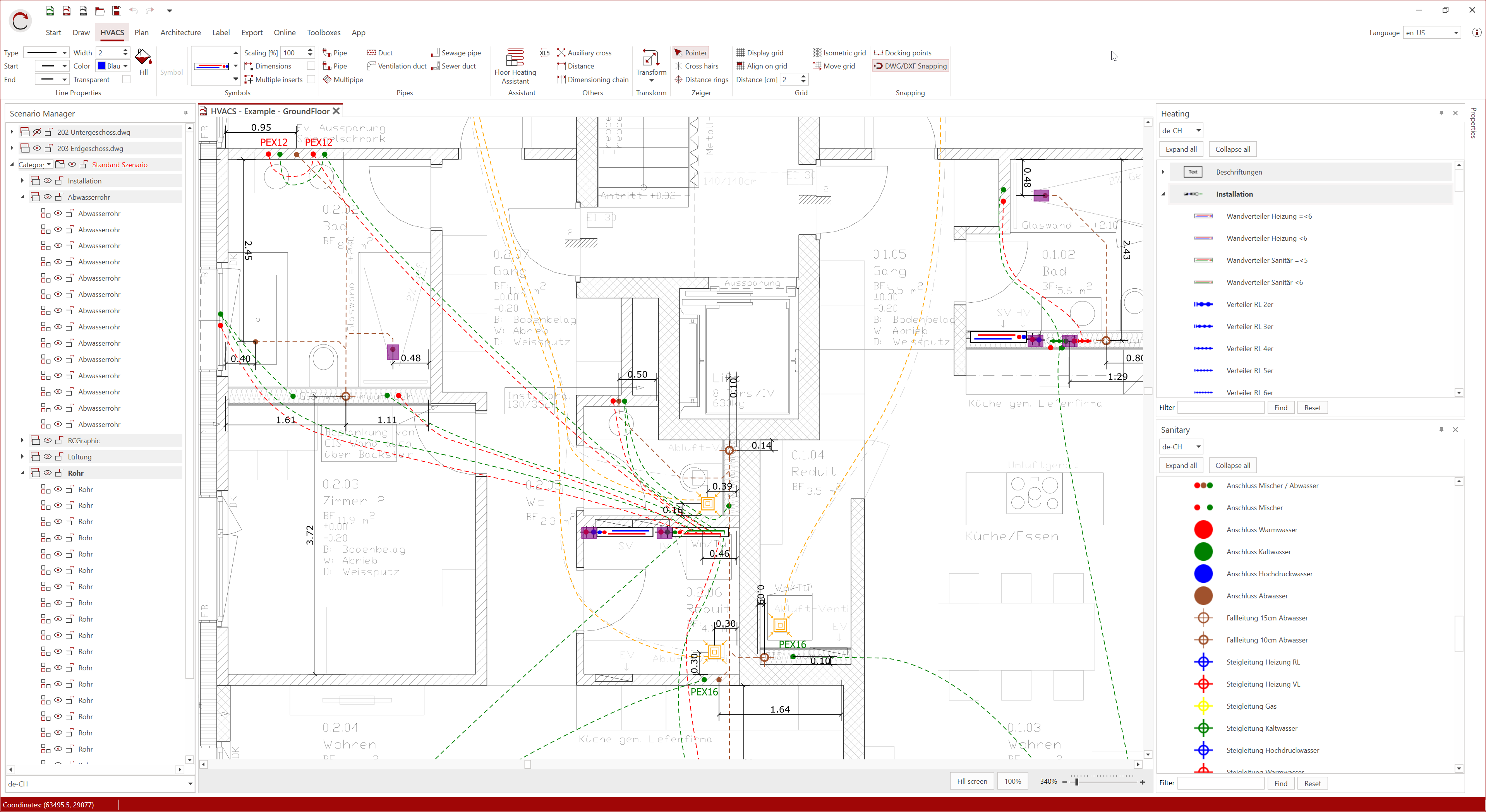
With RED CAD Plumbing/Heating, you can plan your projects efficiently and conveniently in 2D. The software offers a wide selection of industry-specific symbols and allows you to easily import individual manufacturer symbols in DWG format. Thanks to automatic piping dimensioning, professional layer control and intuitive architectural functions, CAD planning is significantly simplified and reduced to the essentials.
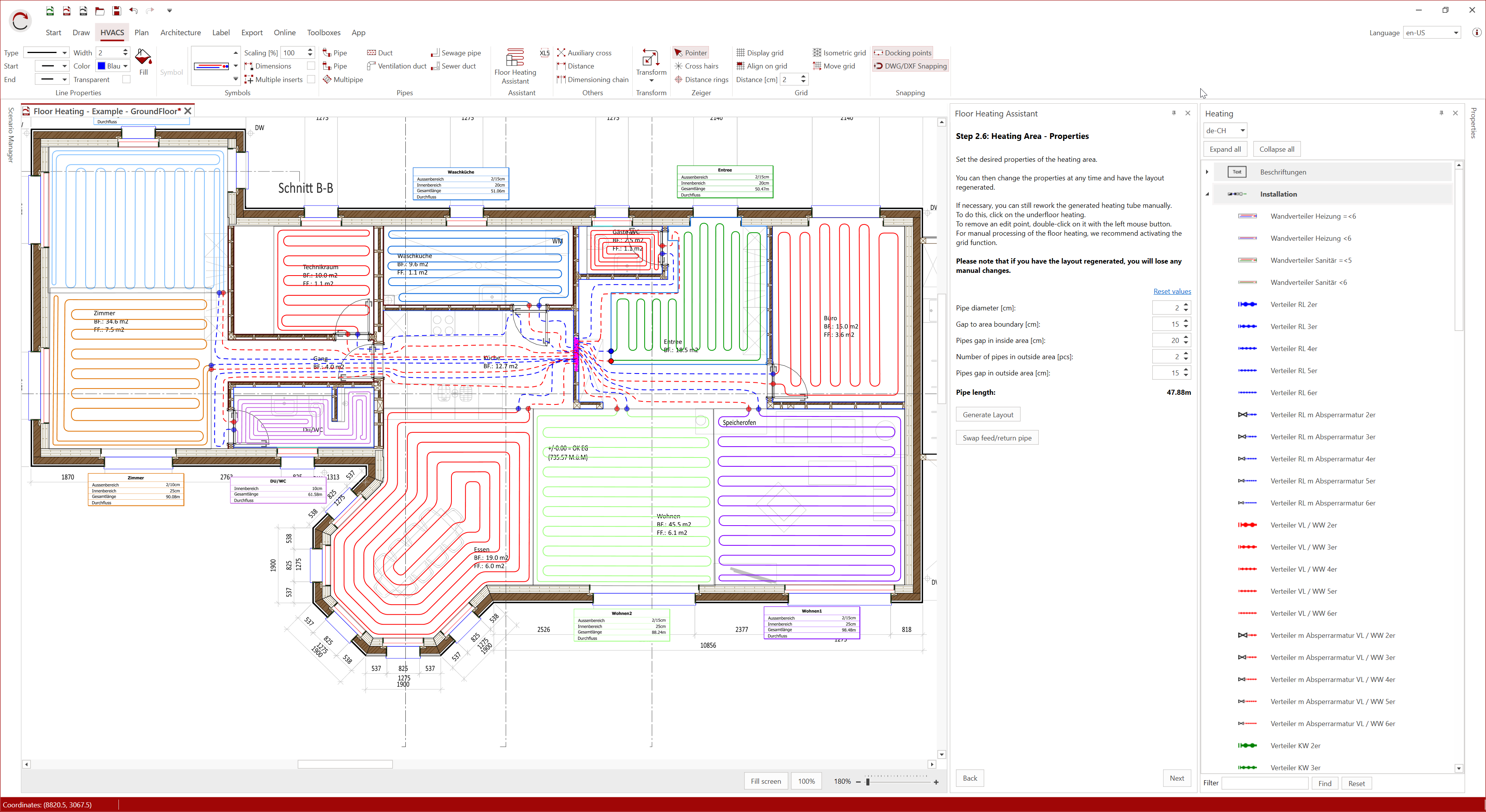
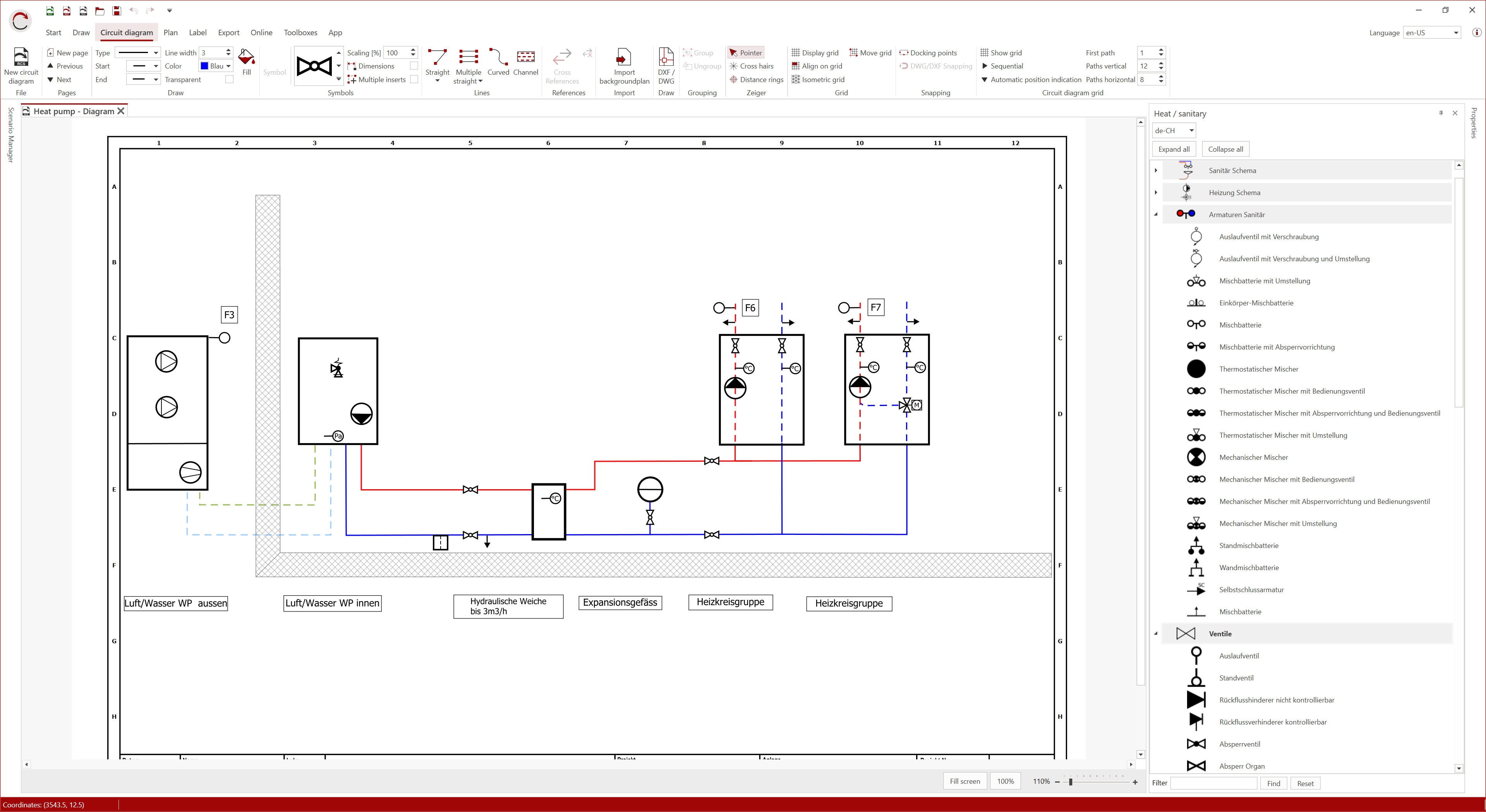
Common CAD formats such as DWG, DXF and PDF can be easily imported and processed. The integrated underfloor heating assistant supports you in the quick and precise implementation of your heating projects. Schematic representations in portrait or landscape format in sizes up to DIN can also be created without any problems. Functions such as parts lists, plan headers and room stamps ensure complete and clear project documentation – for planning that is not only efficient, but also professional and enjoyable.

CAD for fire protection
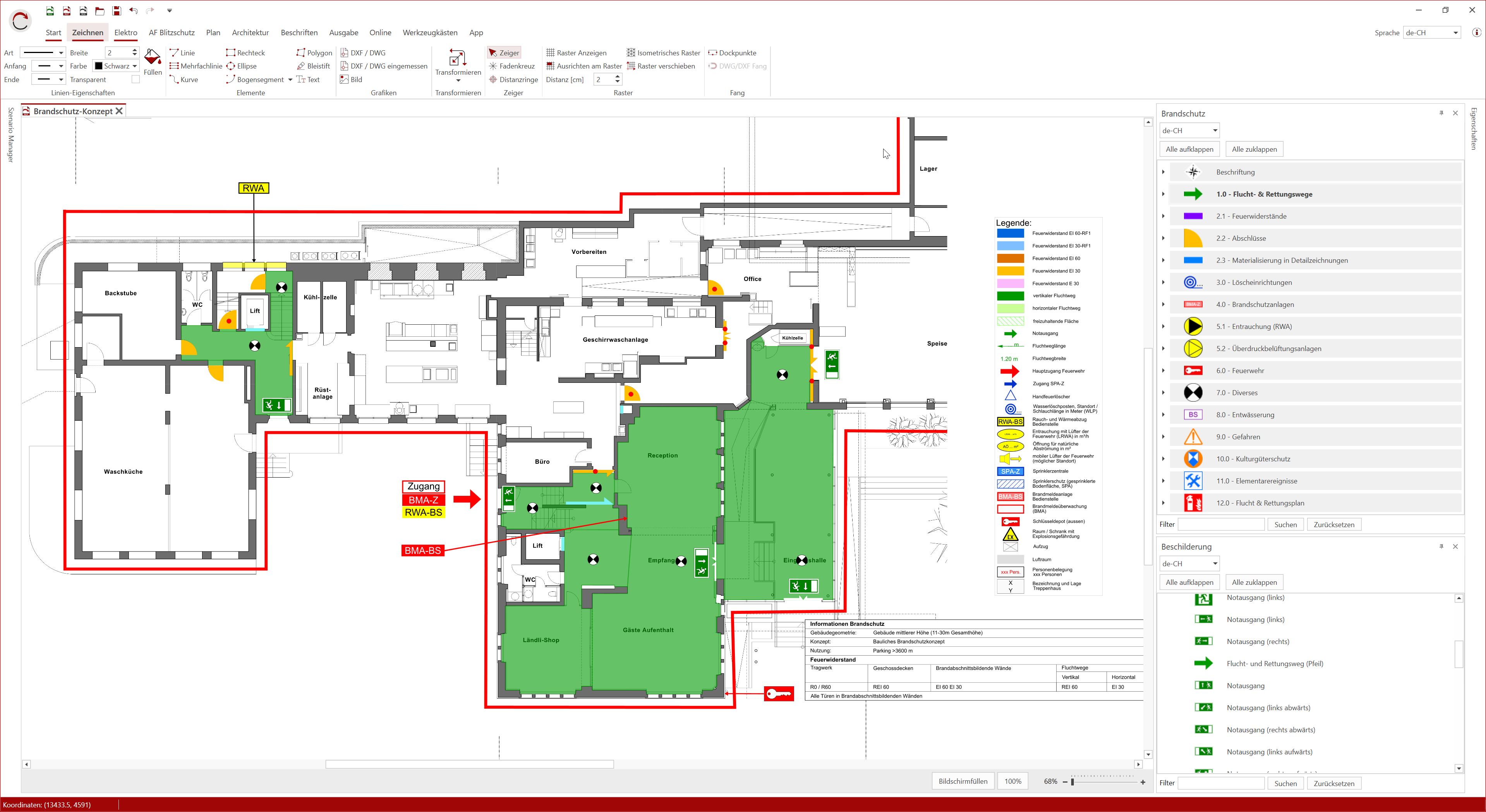
Create fire protection plans, escape and rescue route plans, and fire brigade plans easily and efficiently. With the user-friendly plan import wizard, you can import PDF, DWG, and DXF files without compatibility issues. Industry-specific symbols are available – in Austria according to ÖBFV and in Switzerland according to VKF. Additional symbols, such as information signs, complement the extensive symbol library.
Colour areas, walls and other elements with predefined colours and place the automatically generated legend directly on the plan with just one click. Background plans can also be imported as PDF, DWG or DXF files and exported if required.
Project management supports you in organising different projects. With the parts list and predefined plan headers, you will impress your customers with professional CAD planning.
Flexible CAD for unlimited planning ideas
Our software offers versatile applications for your projects in the areas of maintenance, orienteering, escape routes, car park planning, open-air events and gymnastics festivals.
The CAD programme can be used for a wide variety of scenarios – from car park organisation to escape route planning for large events such as open-air events and gymnastics festivals. With our tools, you have unlimited possibilities and can implement your planning ideas in virtually any area.